Your guild has two ways to talk, and the difference is entirely about spoilers. The Tavern is open, free-form chat with no gating. Topics are discussion threads anchored to a moment in a book that unlock only as guildmates catch up. Knowing which is which keeps you from spoiling anyone.
The Tavern: free-form, no gating
The Tavern is your guild's hangout channel — real-time chat where every message is visible to every Adventurer, immediately. Each member's messages carry their avatar color. There's no timestamp tie and no progress gate: "no rules, just respect."
Open guild-wide chat from The Tavern card at the top of the Quests tab. There's also a per-book Tavern, reached from a quest's detail view under Tavern Talk via the Chat row, for chatter scoped to one specific book.
Topics: spoiler-gated discussion threads
A Topic is a discussion thread pinned to a specific moment in a book. When you create one, Squabble captures your current position as its unlock point. That Topic — and the replies on it — stay hidden from a guildmate until that guildmate has listened past the same point.
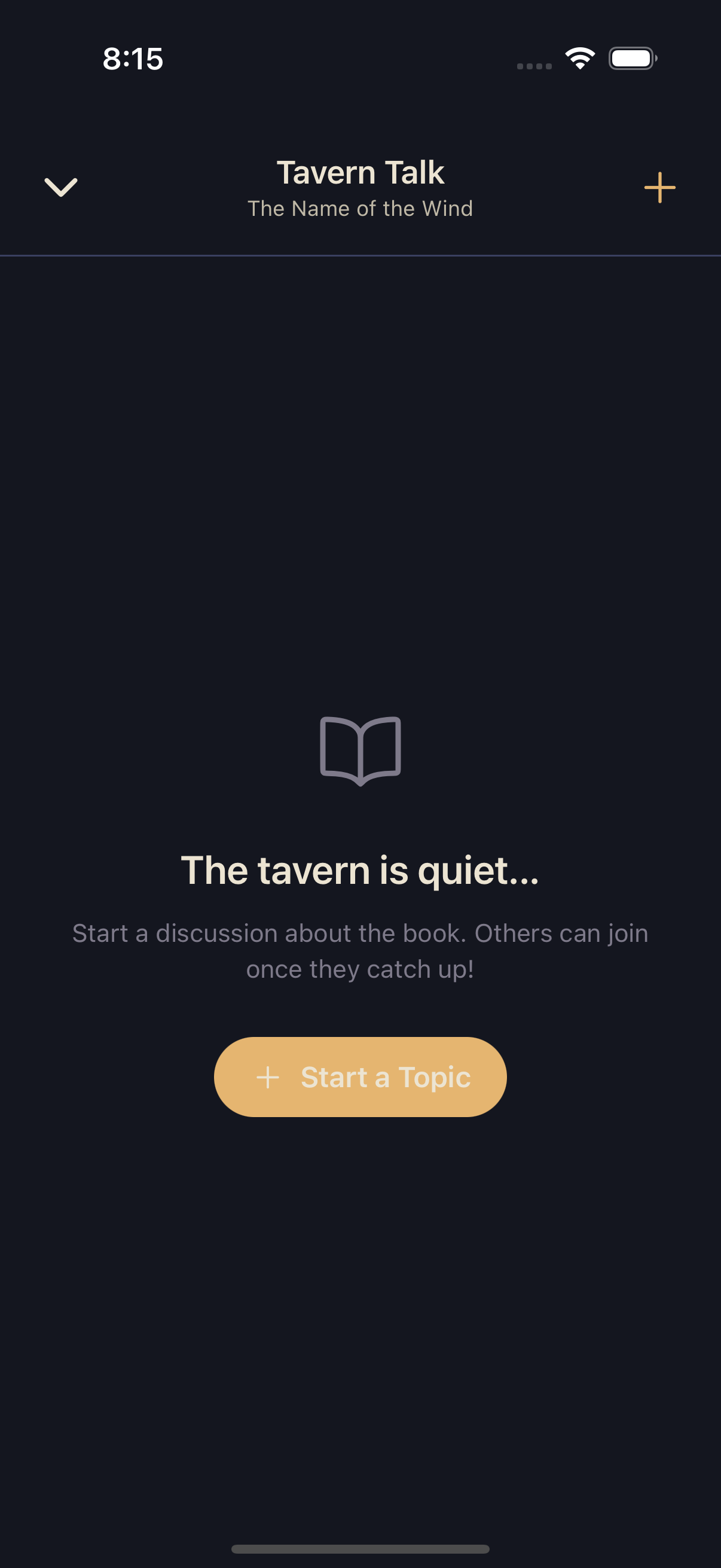
Topics are also surfaced as Tavern Talk on a quest's detail view, so the phrase you see in the app depends on where you are, but it's the same feature.
Starting a Topic
Reach the moment you want to discuss
While listening, get to the point in the book your topic is about — Squabble uses your current position as the unlock point.
Open Topics
From the player, or from a quest's Tavern Talk section, tap + or Start a Topic.
Write it
Give the Topic a title, add an optional description, and post. Guildmates behind that point won't see it until they catch up.
Which one should you use?
- Tavern — logistics, jokes, "what should we read next," reactions safe for everyone. No spoilers, ever.
- Topics — anything tied to what actually happens in the book. The gate does the work of keeping it spoiler-safe.