Squabble lets you speed up or slow down narration without losing your place, and jump forward or back by a fixed number of seconds with the skip buttons. This page covers changing speed mid-book, and where the skip amount gets set.
Changing playback speed
Tap the speed button
It's at the bottom of the player, showing your current multiplier like 1x.
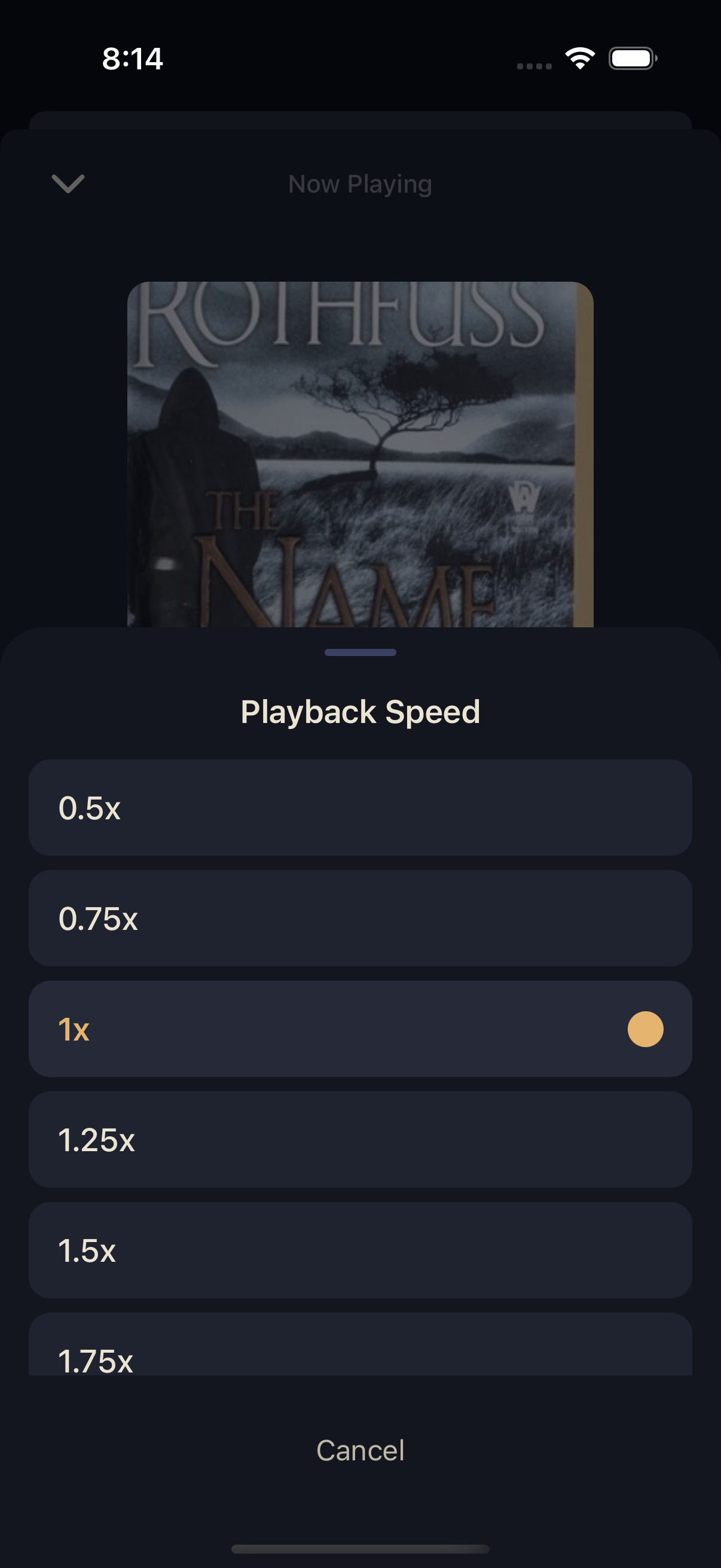
Pick a preset speed
Choose anywhere from 0.5x (half speed) up to 3x: 0.5x, 0.75x, 1x, 1.25x, 1.5x, 1.75x, 2x, 2.5x, or 3x. It applies instantly.
Skip forward and back
The circular buttons on either side of Play show the number of seconds they'll jump — 15 seconds back and 30 seconds forward by default. Tap either one any time to skip without breaking stride.
These intervals aren't adjustable from inside the player itself. To change how far each button jumps, or to set the speed every new book should start at, head to Playback Settings.
The same skip buttons — and whatever speed you last picked — carry over to your lock screen and CarPlay controls. See Background, Lock Screen & CarPlay.