The Sleep Timer stops playback automatically after a chosen stretch of time, so late-night chapters don't keep running once you've drifted off. Mobile app
Setting the timer
Open the full player
If you're browsing elsewhere, tap the MiniPlayer to expand the book you're listening to.
Tap the moon icon
It sits at the end of the bottom toolbar, alongside Chapters and Bookmarks.
Choose a duration
Pick 5, 10, 15, 30, 45, or 60 minutes. If the book has chapter data, End of chapter is also available — playback stops when the current chapter ends instead of at a fixed time.
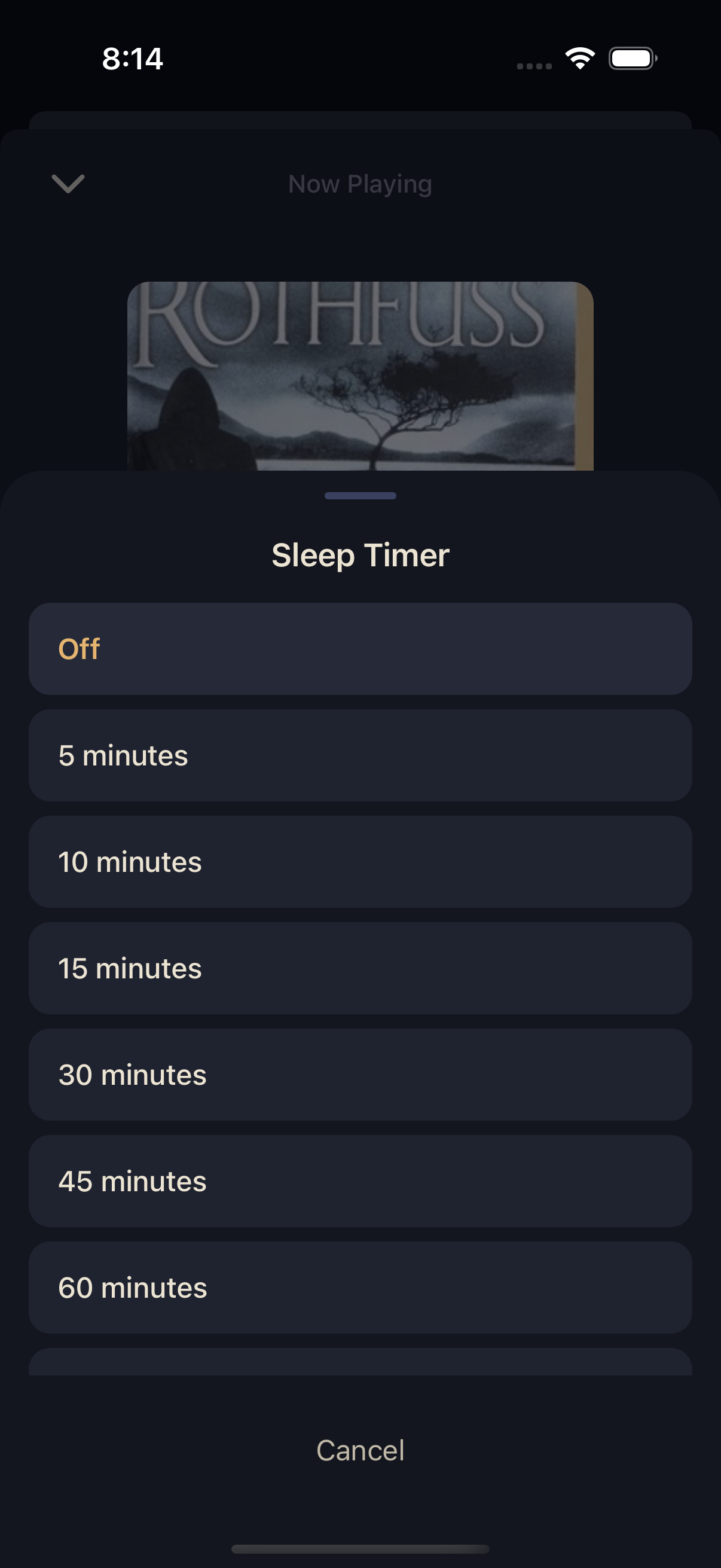
Once a timer is running, the moon icon fills in and shows a live countdown. Tap it again any time to open the sheet and choose a new duration, or tap Off to cancel it outright.
The timer keeps counting whether Squabble is in the foreground or playing in the background with your phone locked. See Background, Lock Screen & CarPlay.